MICO360 VPN
Secure corporate VPN & remote access.
View Details
Secure. Fast. Connected. Remote access and endpoint management you actually control. View and control any Windows PC, transfer files, and manage your whole fleet — over an encrypted connection that runs on your own server, not someone else's cloud.
Windows 10 & 11 · Self-hosted · End-to-end encrypted
MICO360 Connect is a Windows remote-support and remote monitoring & management (RMM) platform. Technicians and administrators securely connect to any registered device to view the screen, take control, move files, run commands and monitor health — while a central web console gives IT full visibility over the fleet.
Every session is end-to-end encrypted, every device is admin-approved before it can be reached, and everything runs on a relay server you operate — so your screens, files and data never pass through a third-party cloud.
The relay only ever forwards encrypted traffic — it never sees your screen.
Every frame and keystroke is protected with AES-256-GCM. The relay only forwards ciphertext.
New devices must be approved by an administrator before they can connect or be connected to.
Protect the admin console with email one-time-passcodes.
Admin, Operator and Viewer roles keep the right people in control.
Every connection, command and approval is logged and exportable.
Self-hosted infrastructure means no third party can access your sessions or data.
Sessions connect instantly, then upgrade to the fastest available path automatically.
Connect instantly, then auto-upgrade to direct on the same network, or true peer-to-peer across the internet.
Once a direct link is established, video and input flow straight between the two machines.
Only the parts of the screen that change are sent, with quality that adapts to your connection.
Help someone live, or reach an unattended machine with a permanent password.
Switch between the remote machine's displays; more than one technician can join at once.
Move files, talk, and copy-paste across the connection — plus one click to reconnect from your address book.
MICO360 Connect isn't just remote control — it's built-in remote monitoring and management. A single web console gives IT live visibility and hands-on control over every registered device.
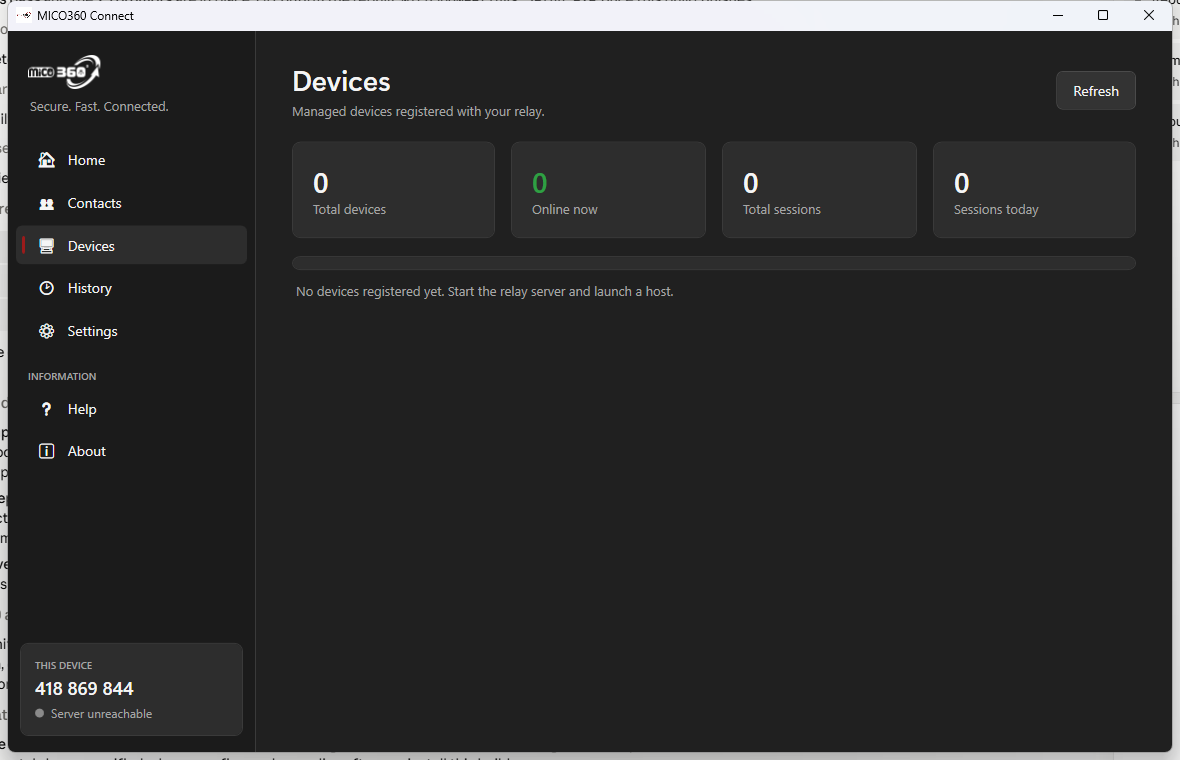
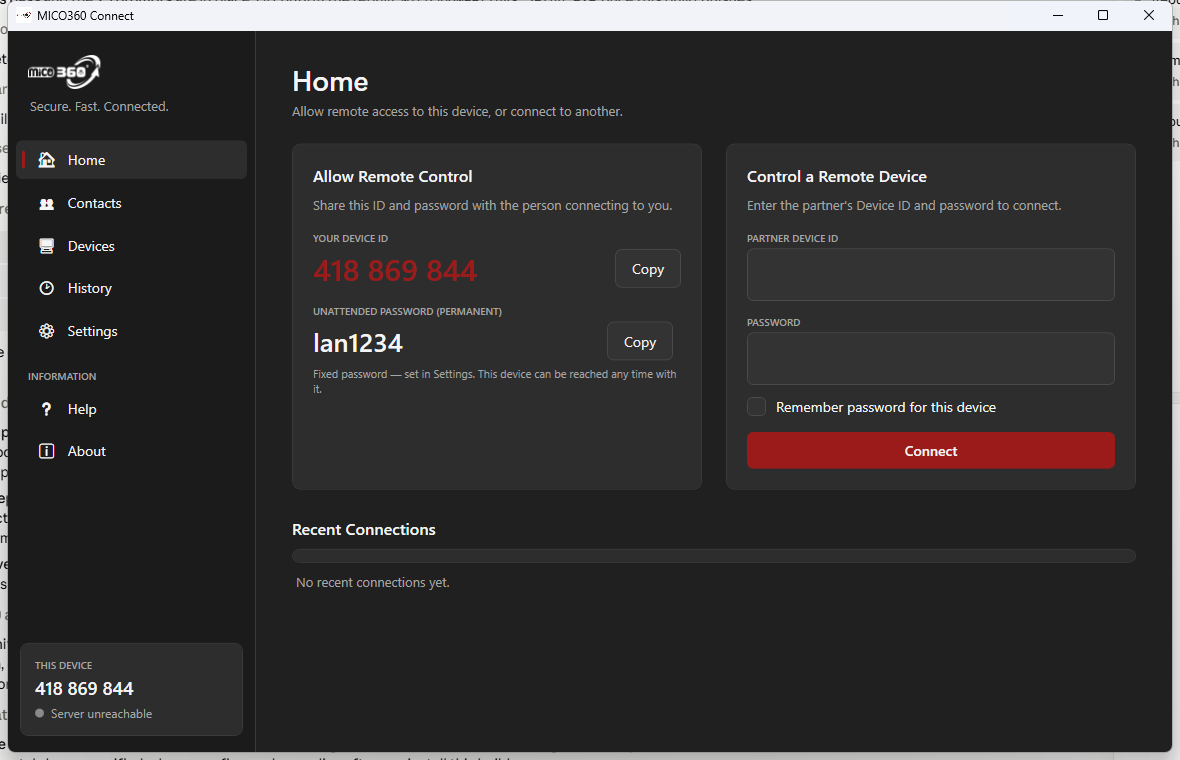
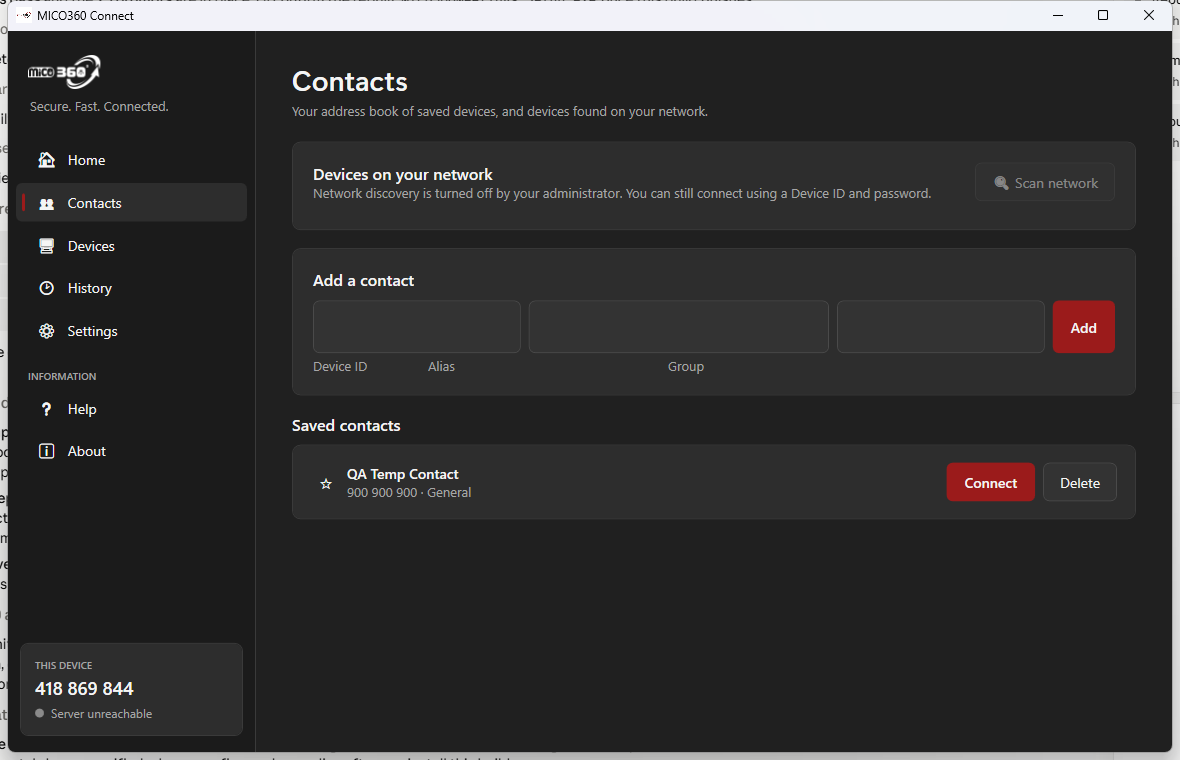
Real screens from the MICO360 Connect client and admin experience.
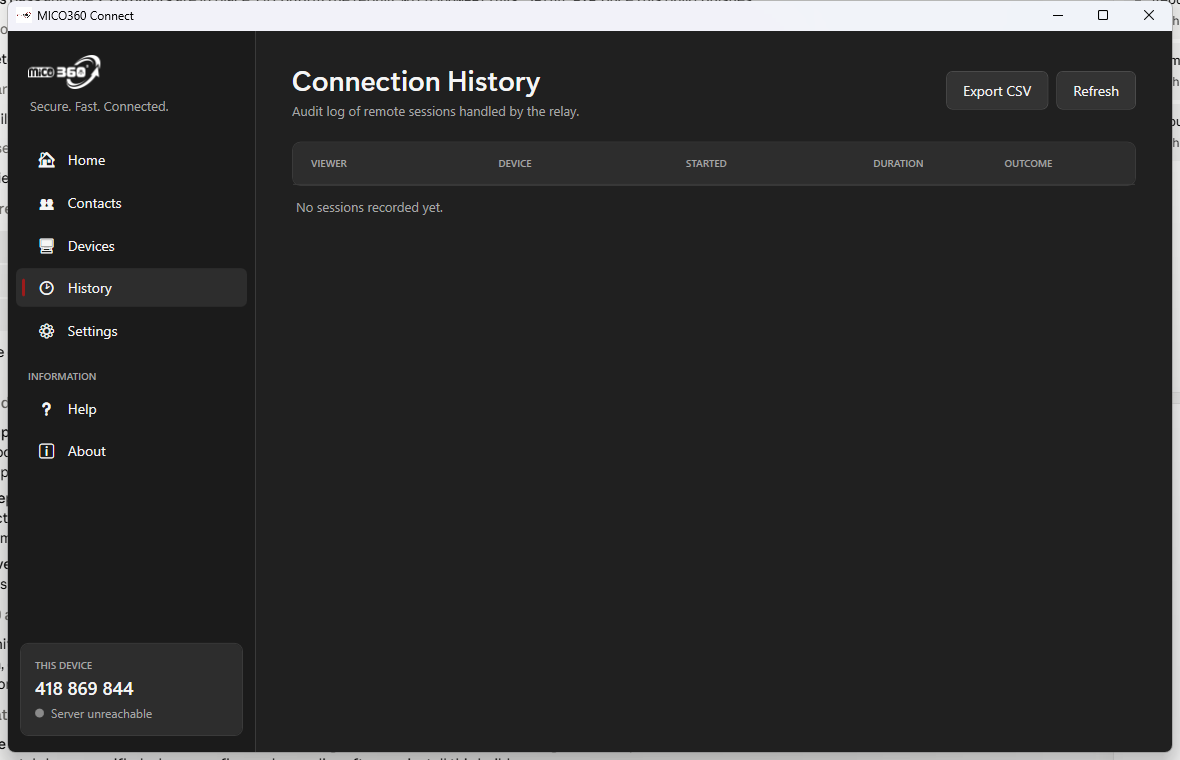
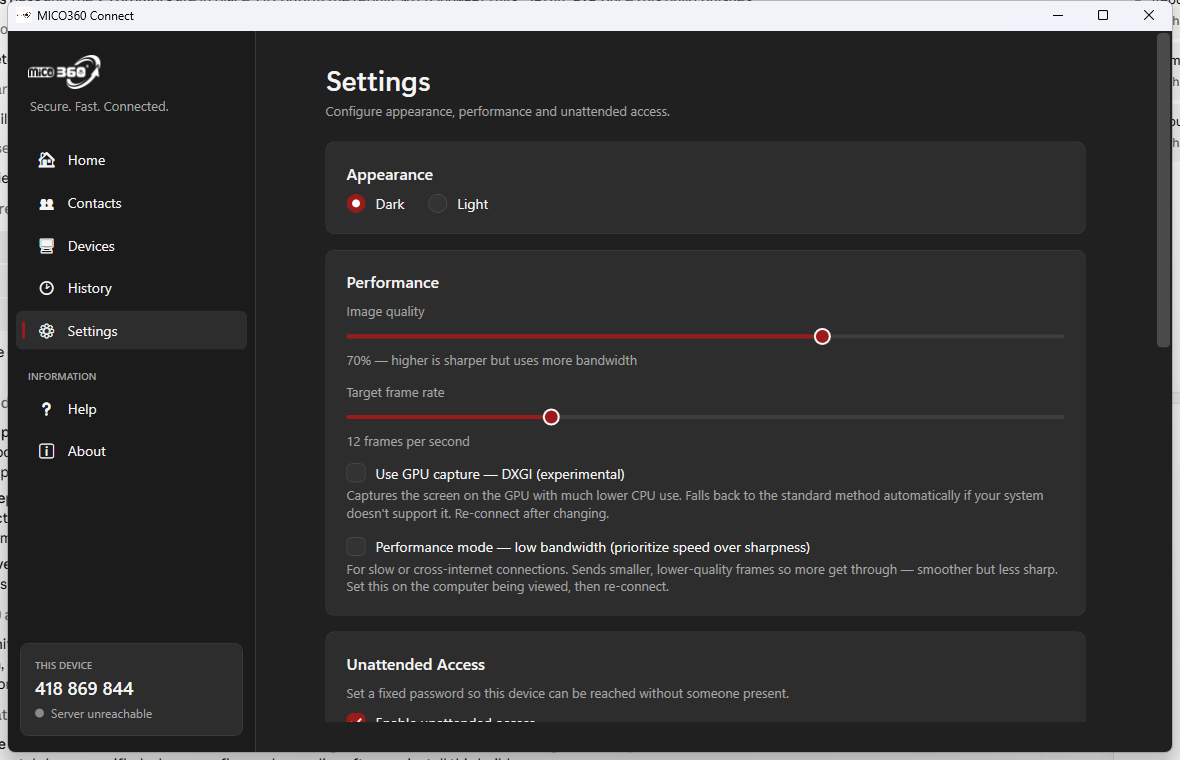
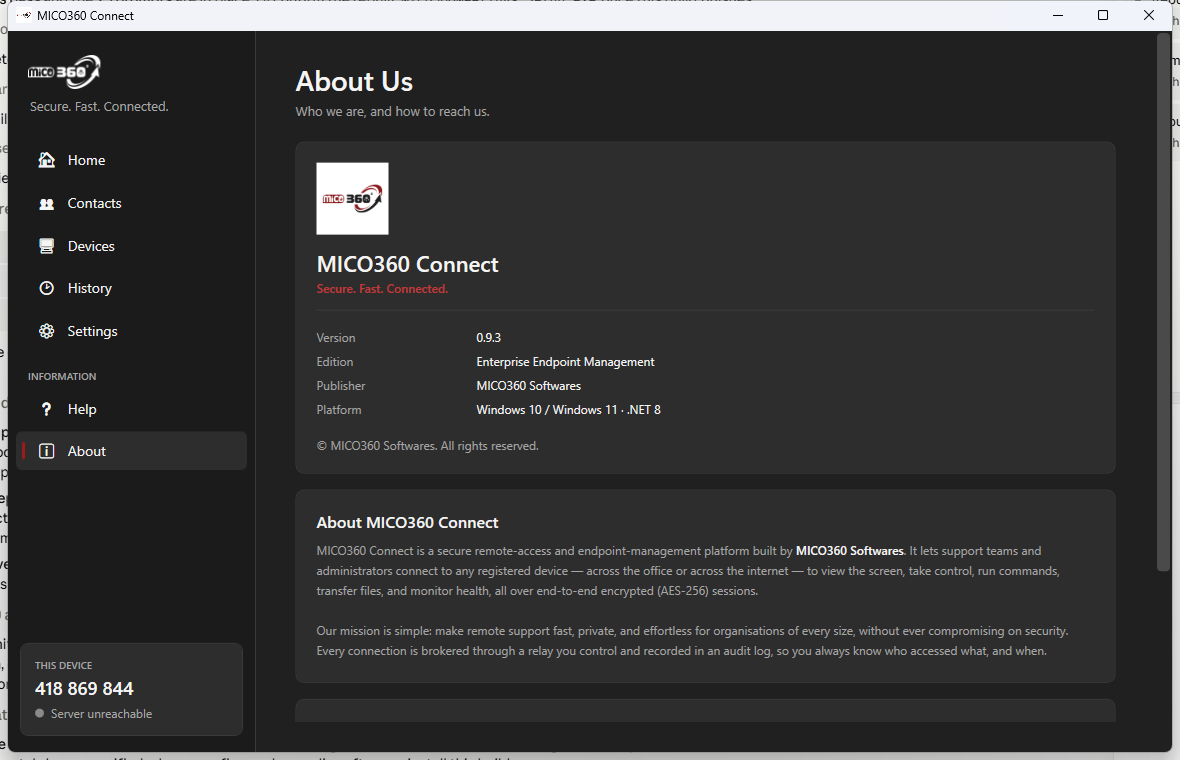
Run the server installer on a machine you control — a VPS or on-prem box. It sets up the relay and web console and registers as a Windows Service.
Install the MICO360 Connect app on the devices you want to support. Each one registers and waits for an administrator to approve it.
Approve devices from the web console, then connect by Device ID — across the office or the internet — over an encrypted, auto-optimized link.
Resolve tickets fast with attended and unattended remote control.
Monitor and manage client fleets from one console.
Keep company devices healthy, compliant and reachable.
Keep remote sessions and data entirely in-house.
You hold the keys. Self-hosted infrastructure means no third party can access your sessions or data.
AES-256-GCM on all screen and input data; the relay routes only ciphertext.
Each device is tied to a trust-on-first-use secret, so its identity can't be forged.
Devices can't be seen or reached until an administrator approves them.
RBAC, optional email 2FA, password policy, rate limiting and TLS support.
Know who accessed what, and when — with exportable records.
Self-hosted relay and database — your data stays yours.
No. MICO360 Connect is self-hosted — the relay server and database run on infrastructure you control. Your screens, files and data never touch a third-party cloud.
Yes. Every session is end-to-end encrypted with AES-256-GCM. The relay only forwards encrypted data and never has access to your content.
No. Devices connect by a simple Device ID through your MICO360 Connect service — there's nothing to forward or memorize. The app handles the networking, including direct peer-to-peer when possible.
Yes. Set a permanent unattended password on a device to reach it any time.
Yes. Multiple technicians can join a single machine at the same time.
Clients check for new versions automatically and verify each download's integrity by checksum before installing.
Windows 10 and 11 (64-bit) today.
Install the server on your infrastructure, deploy the client to your devices, then approve and connect. Secure, fast, and entirely yours.
Secure corporate VPN & remote access.
View DetailsCentralized business management platform.
View DetailsPrivate all-in-one document toolkit.
View Details